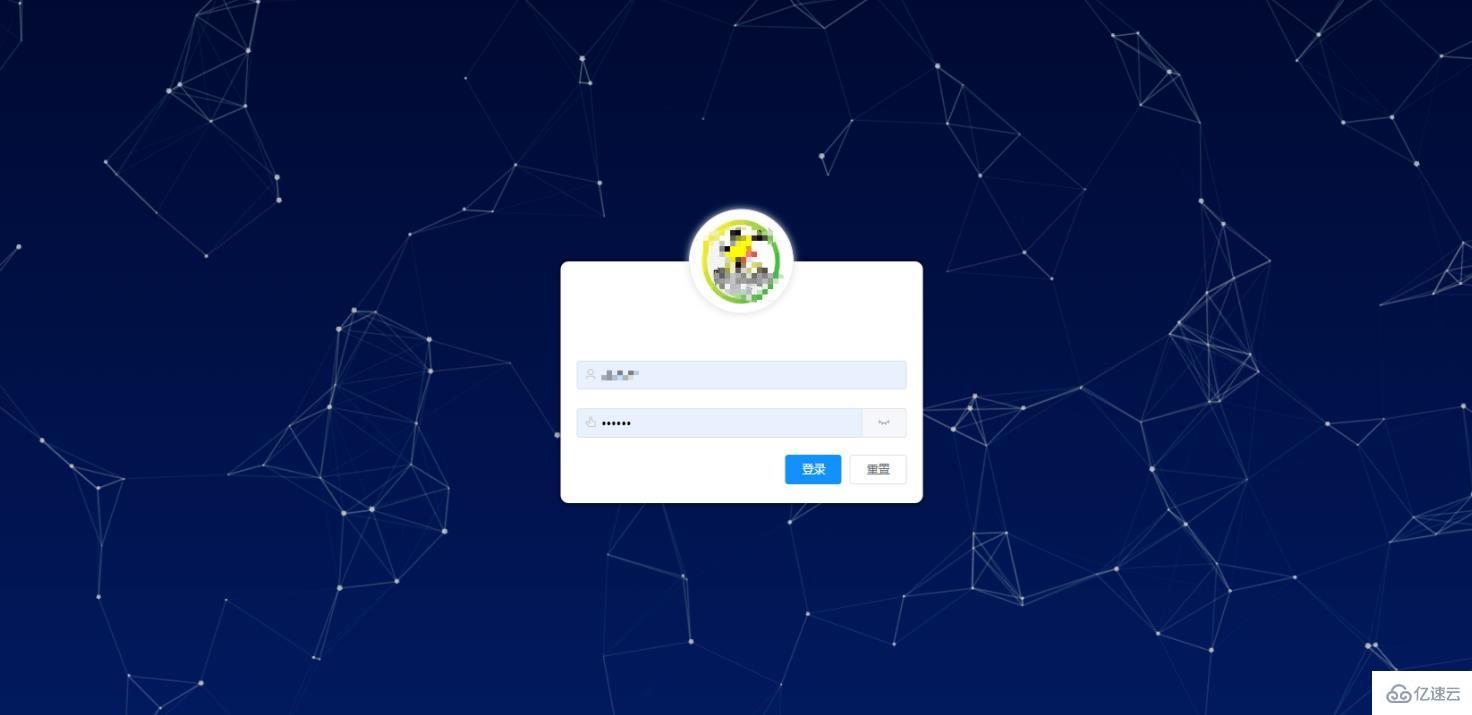
vue particles.js怎么实现炫酷的粒子动效登录背景
一,npm下载
npm install particles.js
二,新建 particles.json
{
    "particles": {
        "number": {
            "value": 80,
            "density": {
                "enable": true,
                "value_area": 800
            }
        },
        "color": {
            "value": "#dedede"
        },
        "shape": {
            "type": "polygon",
            "stroke": {
                "width": 0,
                "color": "#000000"
            },
            "polygon": {
                "nb_sides": 5
            },
            "image": {
                "src": "img/github.svg",
                "width": 100,
                "height": 100
            }
        },
        "opacity": {
            "value": 0.5,
            "random": false,
            "anim": {
                "enable": false,
                "speed": 0.5,
                "opacity_min": 0.1,
                "sync": false
            }
        },
        "size": {
            "value": 3,
            "random": true,
            "anim": {
                "enable": false,
                "speed": 40,
                "size_min": 0.1,
                "sync": false
            }
        },
        "line_linked": {
            "enable": true,
            "distance": 150,
            "color": "#dedede",
            "opacity": 0.4,
            "width": 1.8
        },
        "move": {
            "enable": true,
            "speed": 4,
            "direction": "none",
            "random": false,
            "straight": false,
            "out_mode": "out",
            "bounce": false,
            "attract": {
                "enable": false,
                "rotateX": 600,
                "rotateY": 1200
            }
        }
    },
    "interactivity": {
        "detect_on": "canvas",
        "events": {
            "onhover": {
                "enable": true,
                "mode": "repulse"
            },
            "onclick": {
                "enable": true,
                "mode": "push"
            },
            "resize": true
        },
        "modes": {
            "grab": {
                "distance": 400,
                "line_linked": {
                    "opacity": 1
                }
            },
            "bubble": {
                "distance": 400,
                "size": 40,
                "duration": 2,
                "opacity": 8,
                "speed": 3
            },
            "repulse": {
                "distance": 80,
                "duration": 0.4
            },
            "push": {
                "particles_nb": 4
            },
            "remove": {
                "particles_nb": 2
            }
        }
    },
    "retina_detect": false}
三,页面中引入
import particles from 'particles.js'import PcParticles from "./particles.json"
四,页面渲染
a,