验证码: 看不清楚,换一张 查询 注册会员,免验证
  • {{ basic.site_slogan }}
  • 打开微信扫一扫,
    您还可以在这里找到我们哟

    关注我们

怎么正确封装ECharts

阅读:949 来源:乙速云 作者:代码code

怎么正确封装ECharts

本文涉及 : TypeScript、Vue3、 echarts

因为 ECharts 的使用场景及其广阔,并且定制化的场景比较多,所以就不封装可以复用的组件了,在我看来每个组件还是需要一个独立的 option ,这里仅封装更好使用的 echats

目录

|--src
    |--components     // 组件
        |--echarts    // echats 封装目录
            |--echarts-types.ts    // 一些类型
            |--library.ts          // 为 echats 增加的一些功能
            |--useECharts.ts       // 主函数
        
        |--EChartsComponents
            |--a-echarts.vue      // 组件使用
    
|--App.vue

代码

library.ts

library.ts 中集中引入,挂载 echarts 需要用到的组件和功能

import * as echarts from 'echarts/core';

import {
        BarChart,
        LineChart,
        PieChart,
        MapChart,
        PictorialBarChart,
        RadarChart,
        ScatterChart
} from 'echarts/charts';

import {
        TitleComponent,
        TooltipComponent,
        GridComponent,
        PolarComponent,
        AriaComponent,
        ParallelComponent,
        LegendComponent,
        RadarComponent,
        ToolboxComponent,
        DataZoomComponent,
        VisualMapComponent,
        TimelineComponent,
        CalendarComponent,
        GraphicComponent
} from 'echarts/components';

echarts.use([
        LegendComponent,
        TitleComponent,
        TooltipComponent,
        GridComponent,
        PolarComponent,
        AriaComponent,
        ParallelComponent,
        BarChart,
        LineChart,
        PieChart,
        MapChart,
        RadarChart,
        PictorialBarChart,
        RadarComponent,
        ToolboxComponent,
        DataZoomComponent,
        VisualMapComponent,
        TimelineComponent,
        CalendarComponent,
        GraphicComponent,
        ScatterChart
]);

export default echarts;

echarts-types.ts

一些需要使用的类型,在这里规范

export enum RenderType {
        SVGRenderer = 'SVGRenderer',
        CanvasRenderer = 'SVGRenderer'
}

export enum ThemeType {
        Light = 'light',
        Default = 'default',
}

useECharts.ts 主要文件

引入需要使用的功能模块,EChartsOption 类型在使用时容易报红,这里暂时用 any

import { onMounted, onUnmounted, Ref, unref } from "vue";
import echarts from "./library";
// import type { EChartsOption } from 'echarts'
import { SVGRenderer, CanvasRenderer } from 'echarts/renderers'
import { RenderType, ThemeType } from './echarts-types'

export function useECharts(elparams: Ref | HTMLDivElement, autoUpdateSize: boolean = false, render: RenderType = RenderType.SVGRenderer, theme = ThemeType.Default) {

        // 渲染模式 
        echarts.use(render === RenderType.SVGRenderer ? SVGRenderer : CanvasRenderer)

        // echats实例
        let echartsInstance: echarts.ECharts | null = null

        // 初始化 echats实例
        function initCharts() {

                const el = unref(elparams)

                if (!el) return

                echartsInstance = echarts.init(el, theme)
        }

        // 配置
        function setOption(option: any) {

                showLoading()

                if (!echartsInstance) initCharts()

                if (!echartsInstance) return

                echartsInstance.setOption(option)

                hideLoading()

        }

        // 获取 echats实例
        function getInstance() {

                if (!echartsInstance) initCharts()

                return echartsInstance
        }

        // 更新大小
        function onResize() {

                echartsInstance?.resize()

        }

        // 监听元素大小变化
        function watchEl() {

                if (animation) unref(elparams).style.transition = 'width 1s, height 1s'

                const resizeObserve = new ResizeObserver(() => onResize())

                resizeObserve.observe(unref(elparams))

        }

        // 显示加载状态
        function showLoading() {

                if (!echartsInstance) initCharts()

                echartsInstance?.showLoading()
        }

        // 隐藏加载状态
        function hideLoading() {

                if (!echartsInstance) initCharts()

                echartsInstance?.hideLoading()
        }

        // 生命钩子——组件挂载完成
        onMounted(() => {

                window.addEventListener('resize', onResize)

                if (autoUpdateSize) watchEl()

        })

        // 生命钩子——页面销毁
        onUnmounted(() => {

                window.removeEventListener('resize', onResize)

        })

        return { setOptions, getInstance }

}

在组件中的使用

a-echarts.vue 使用,我们现在只需要去找一些 option 就可以实现不同的图表了

这个还不错的网站,有很多示例 PPChart 我们随便拿一个来试试吧,
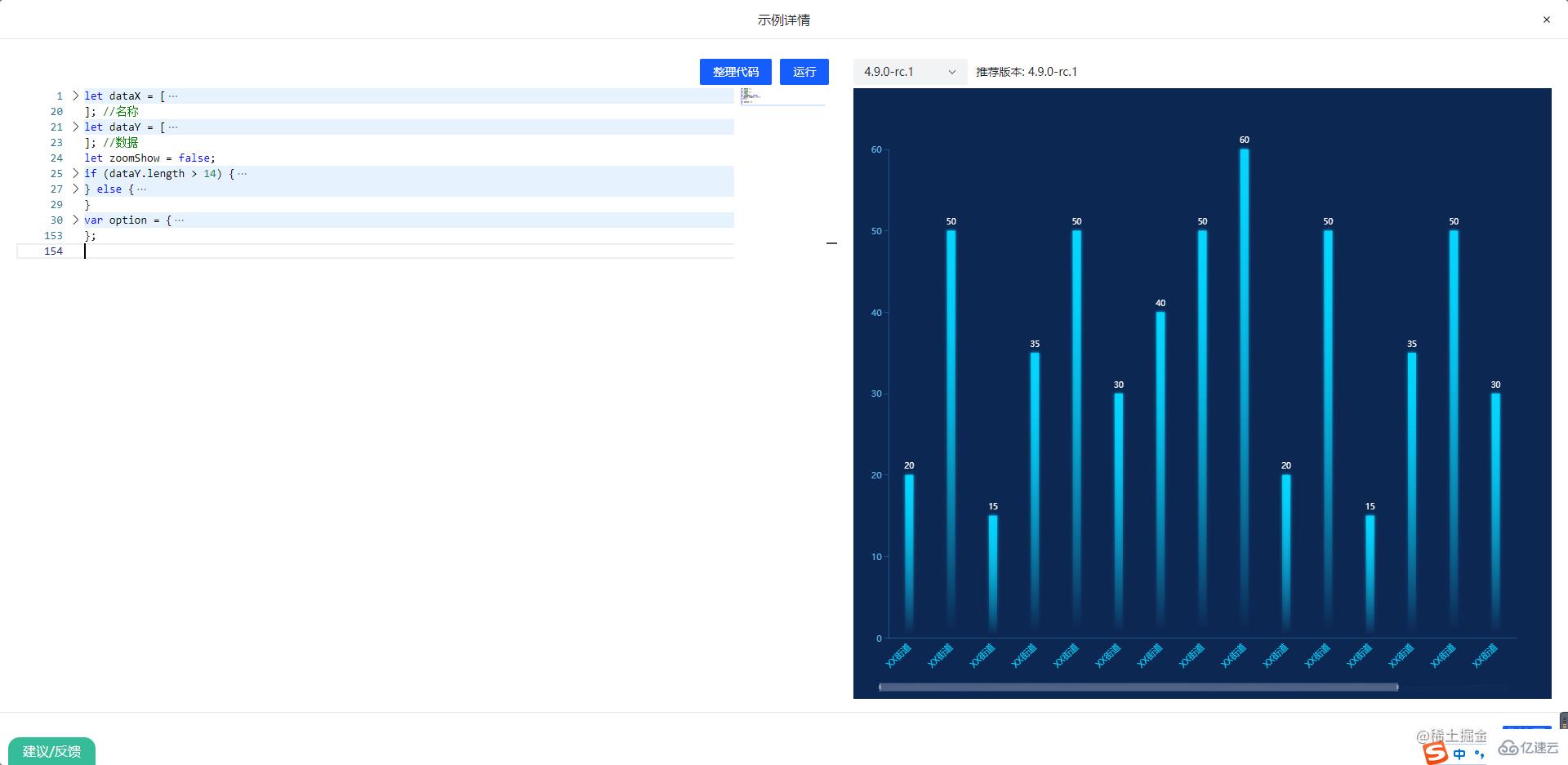
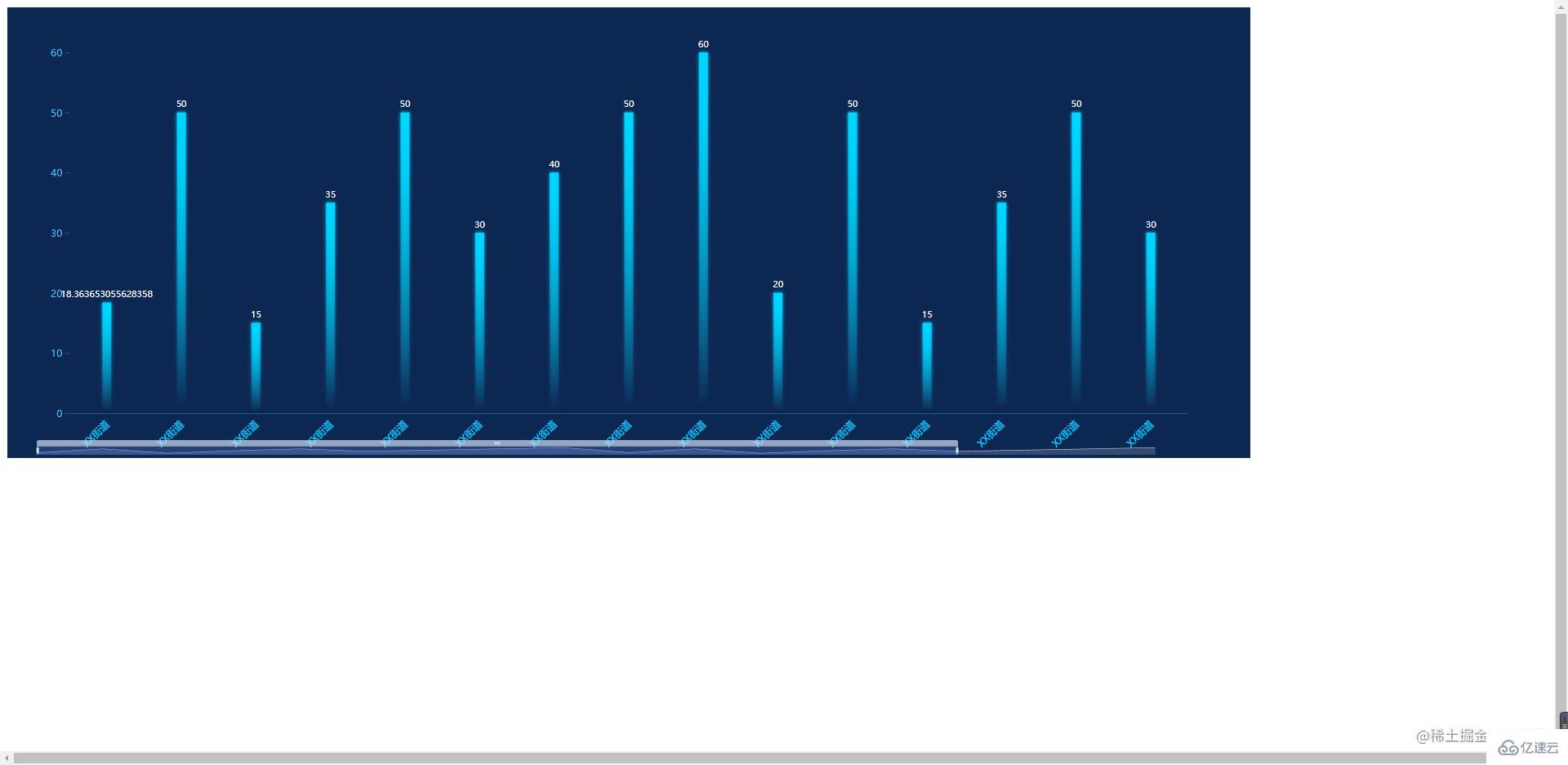
怎么正确封装ECharts

把配置代码复制到下面,就可以看见效果了


import { onMounted, Ref, ref } from "vue";
import echarts from "../echarts/library";

//获取echarts实例
const MyEcharts = ref(null)

const { setOption, getInstance } = useECharts(MyEcharts as Ref, false, true)

onMounted(() => {
        
        setOption(option);

        const echartsInstance = getInstance()

})


App.vue


import echarts from './components/EchartsComponents/a-echarts.vue'


怎么正确封装ECharts

分享到:
*特别声明:以上内容来自于网络收集,著作权属原作者所有,如有侵权,请联系我们: hlamps#outlook.com (#换成@)。
相关文章
{{ v.title }}
{{ v.description||(cleanHtml(v.content)).substr(0,100)+'···' }}
你可能感兴趣
推荐阅读 更多>