Springboot之怎么统计代码执行耗时时间
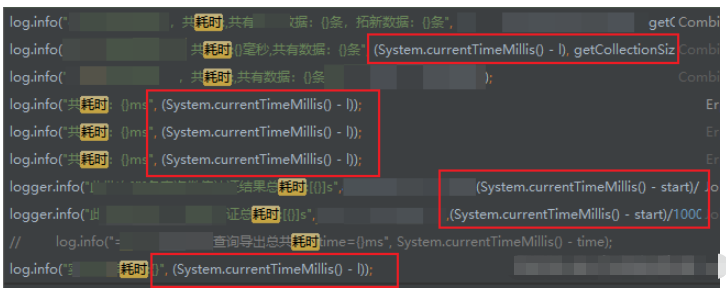
开始 System.currentTimeMillis() 减去 结束 System.currentTimeMillis() 等于 耗时
其实我个人感觉OK的,就这样就蛮好的,很多项目都是这样用的。
简简单单的挺好。
正文
① StopWatch
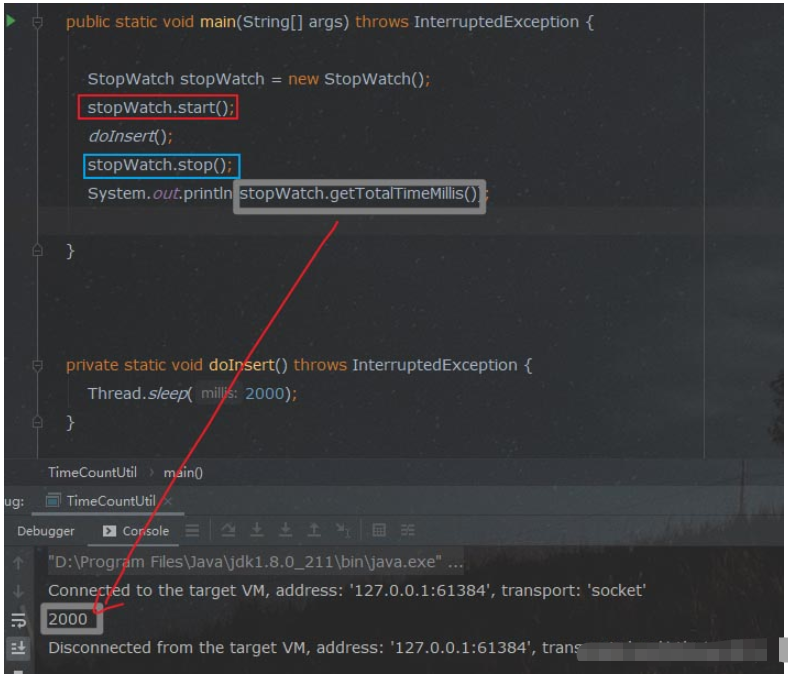
第一种玩法,spring util 里面提供的 StopWatch
示例代码:
StopWatch stopWatch = new StopWatch();
stopWatch.start();
//doInsert();
//执行业务等
stopWatch.stop();
System.out.println(stopWatch.getTotalTimeMillis());
效果:
② System.nanoTime()
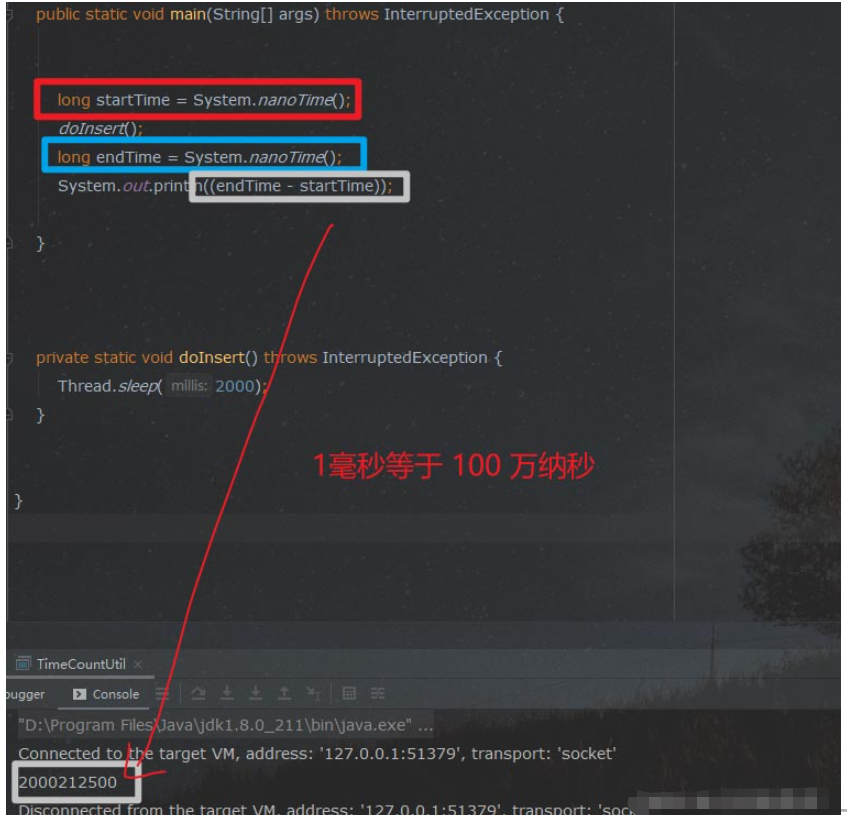
第二种玩法 System.nanoTime()
先不着急看怎么用, 我们看完第一种 StopWatch 的时候, 有没有小伙伴的思维散发够的,想着这spring 封装的统计耗时,自己是怎么实现的?
题外话:
一定要养成这种散发的思维, 很多兄弟朋友都跟我反馈过一些话题,就是说,项目里面没啥东西可学。
其实,这个很正常, 工作过程不是教导过程,你要自己有 纵向 挖掘 、横向 散发的 学习思维。
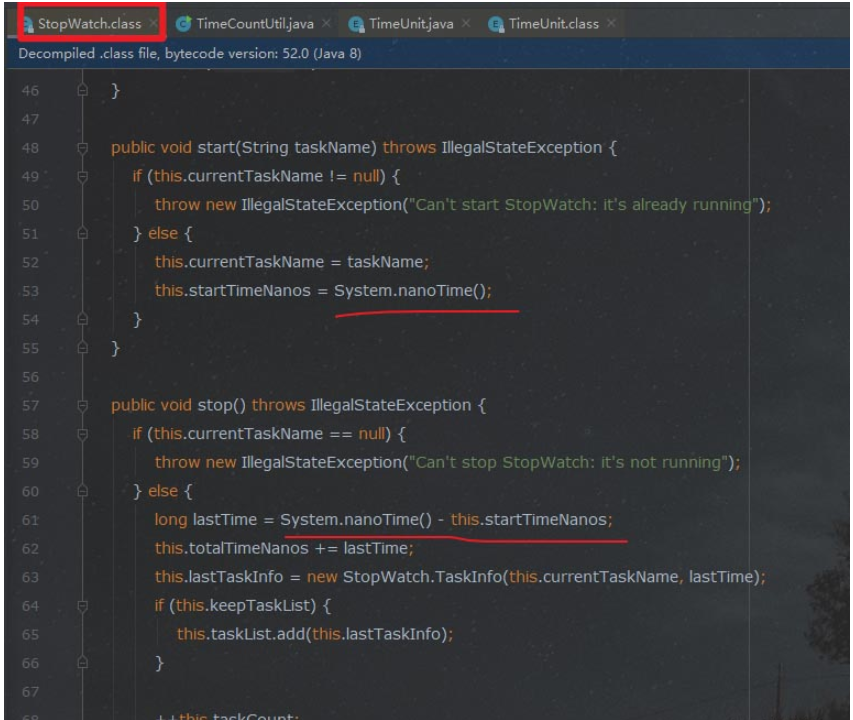
直接点StopWatch 的源码看一眼, 哦,原理是用的 System.nanoTime() :
System.nanoTime() 代码使用示例 :
        long startTime = System.nanoTime();
        doInsert();
        //执行业务
        long endTime = System.nanoTime();
        System.out.println((endTime - startTime));
效果 :
③ new Date ()
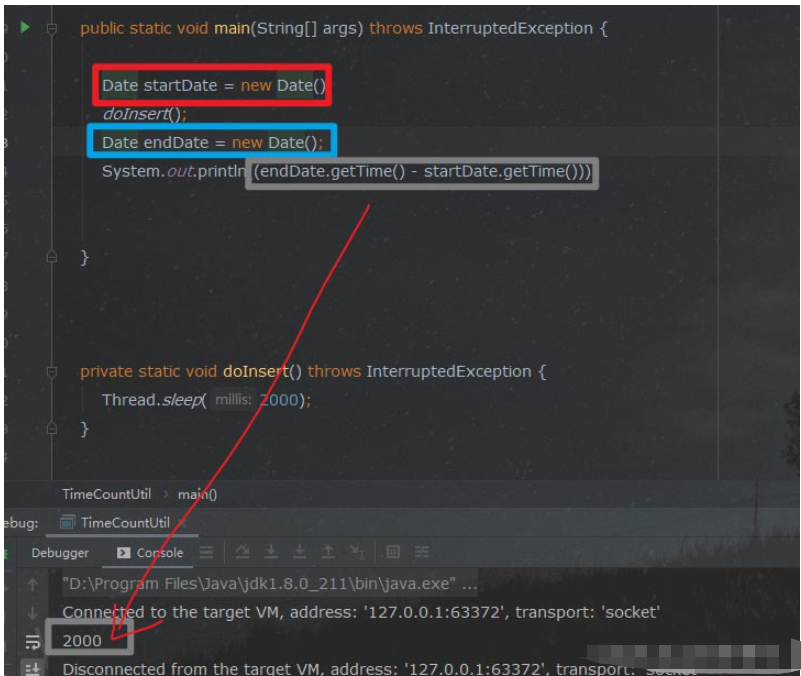
第三种玩法 ,平时偶尔也看到别人这么写 new Date
示例代码:
        Date startDate = new Date();
       // doInsert();
       //执行业务等
        Date endDate = new Date();
        System.out.println((endDate.getTime() - startDate.getTime()));
效果:
④ System.currentTimeMillis()
省略
ps: StopWatch 其实不仅仅是封了一下耗时统计,这样也太。。了 。
里面其实封装了蛮多其他关于时间统计的函数(感兴趣的可以单独去研究研究,特别是参考作者的封装思路 ):
void start(“任务名称”):开始一个任务名称的计时void stop():停止当前任务的计时boolean isRunning():是否正在计时某任务long getTotalTimeMillis():所有任务的总体执行时间(毫秒单位)double getTotalTimeSeconds():所有任务的总时间(以秒为单位)long getLastTaskTimeMillis():上一个任务的耗时(毫秒单位)int getTaskCount():定时任务的数量String prettyPrint():优美地打印所有任务的详细耗时情况StopWatch.TaskInfo[] getTaskInfo():包含任务名称和任务耗时的实体类数组